
The All-in-One AI Video & Image Creation Platform
Explore Our Powerful AI Video & Image Creation Features
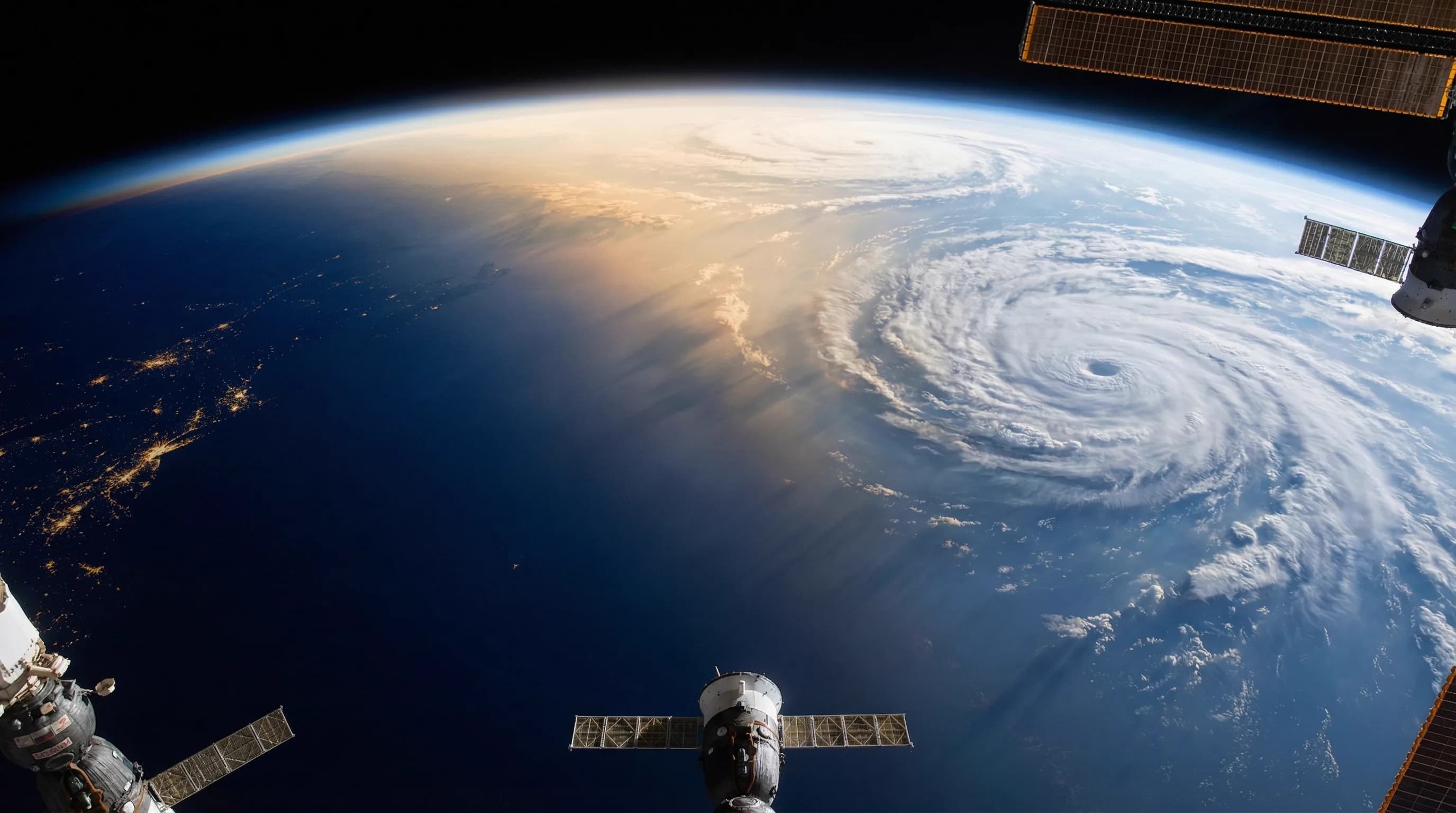
Text to Video AI
Turn short scripts or one-line prompts into cinematic clips in minutes. Use natural language to describe scenes, pacing, and mood; Zeovid converts text to video with music, transitions, and smart scene composition.
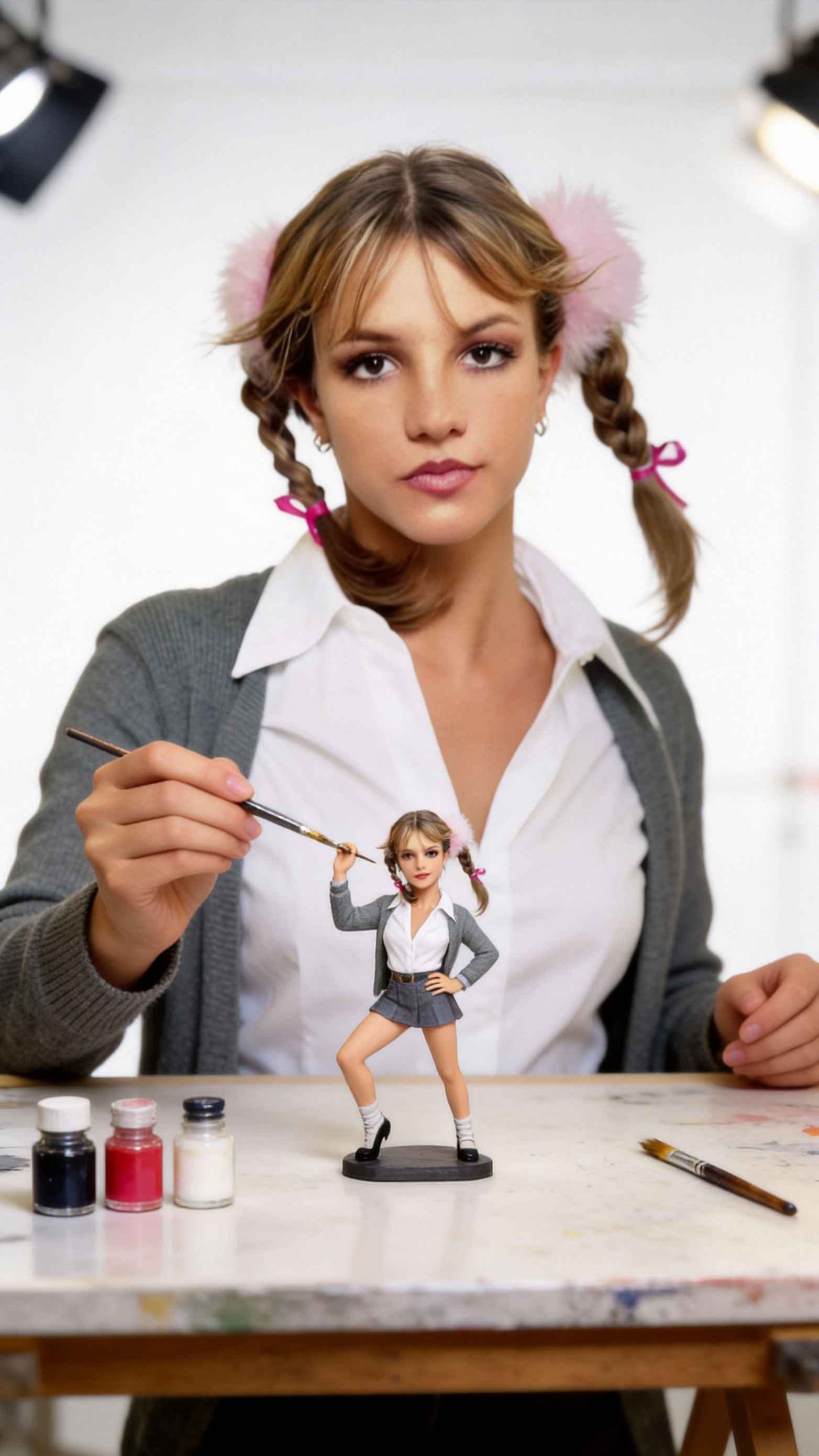
Image to Video AI
Animate photos and artwork into dynamic videos — add motion, parallax, and ambient effects. Perfect for turning product shots, illustrations, or concept art into shareable clips.
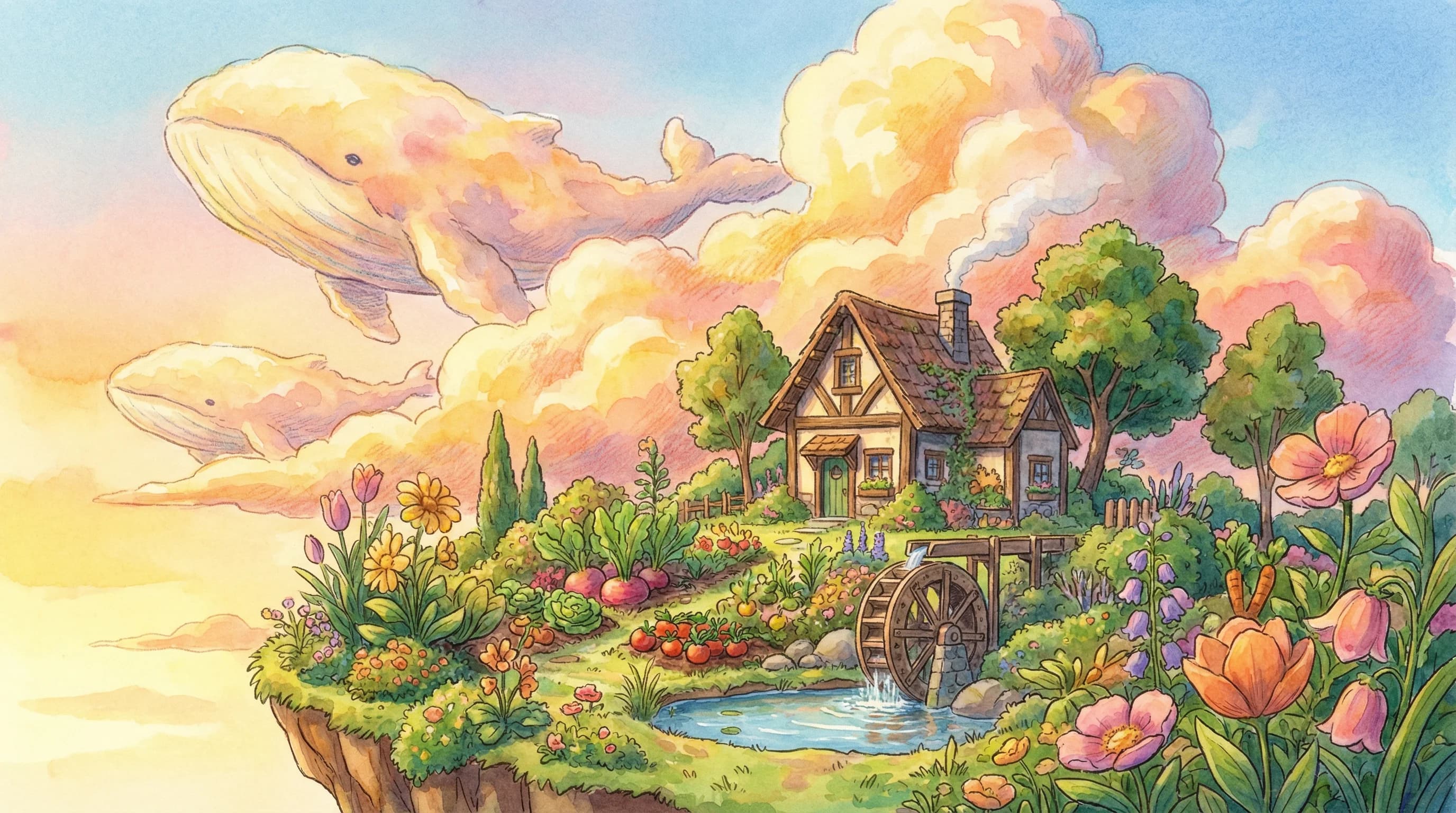
Text to Image AI
Generate detailed visuals from short prompts. Rapidly create thumbnails, concept art, social posts, or storyboards by describing style, color, and composition. Ideal for designers and marketers.
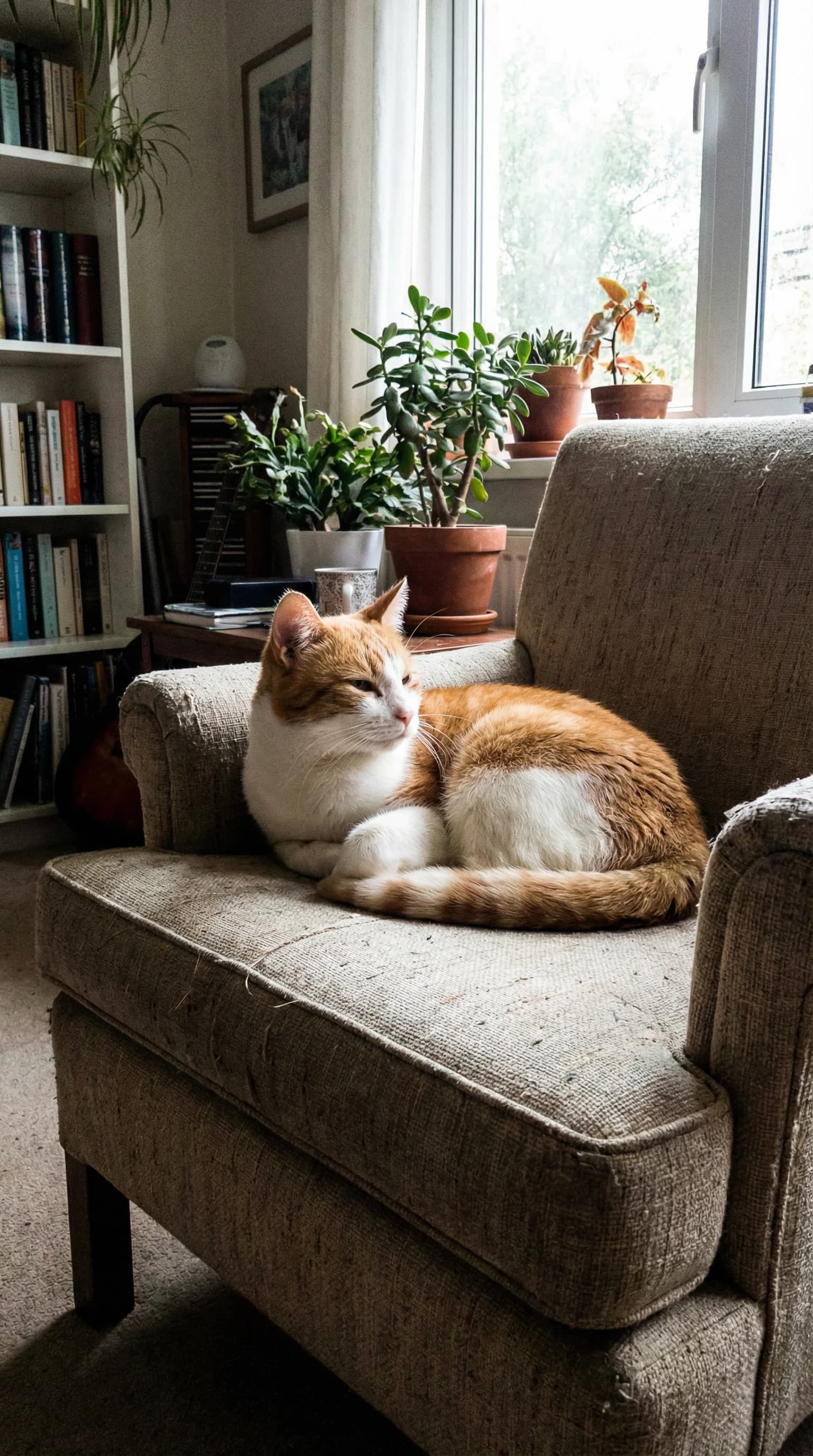
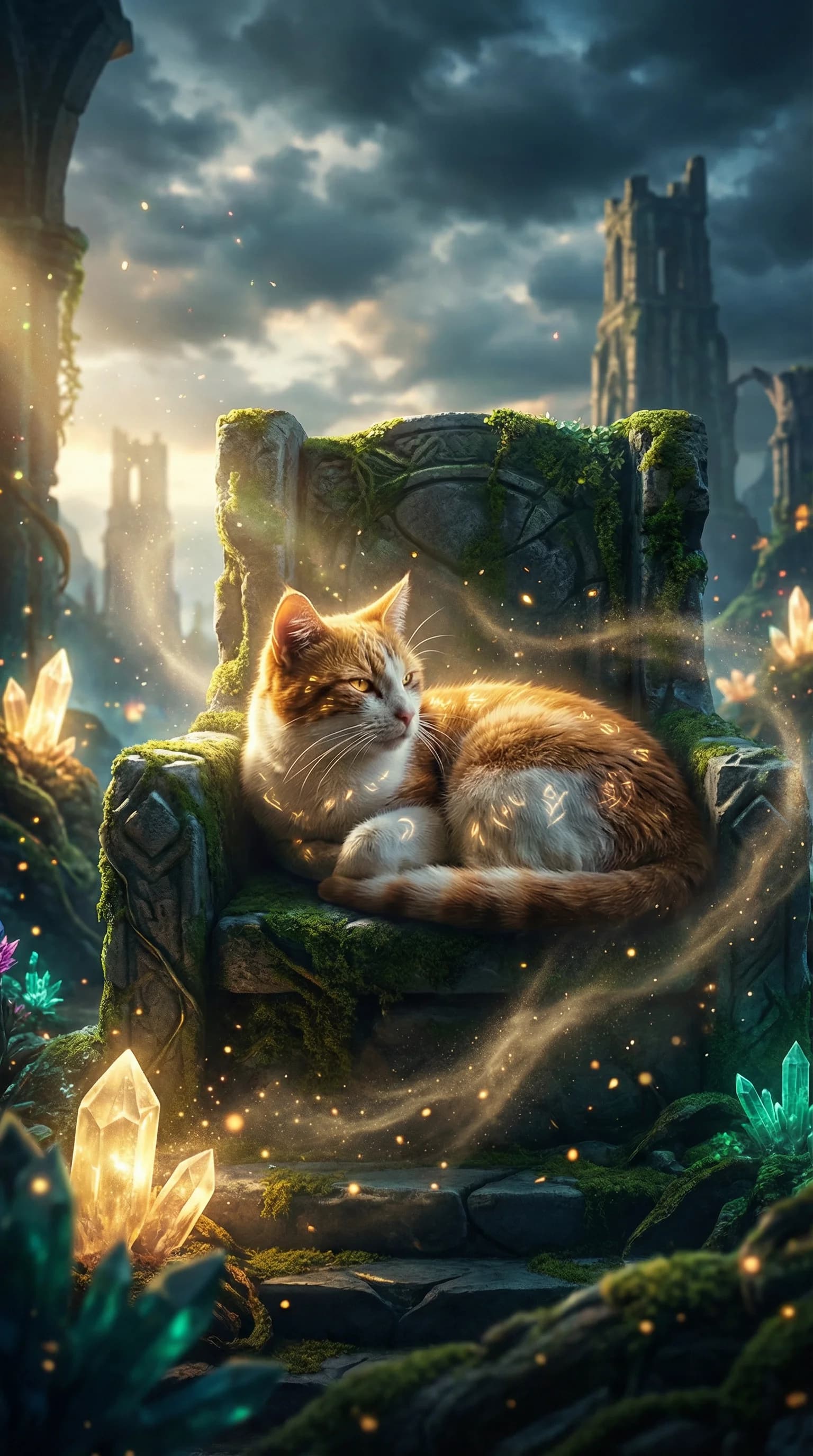
Image to Image AI
Refine, restyle, or upscale your existing assets with our powerful image to image capabilities. Effortlessly transform styles, adjust lighting and environments, and create multiple variations while preserving the core elements of your visuals. This AI-driven image to image tool enhances your creative process by delivering flexible, high-quality results with ease.
Why Choose Zeovid?
AI-Powered Innovation
Leverage state-of-the-art models tuned for video and image workflows. Zeovid focuses on practical creativity — fast renders, consistent visual language, and predictable outputs for professional use.
Effortless Creativity
An intuitive editor and guided prompts let non-technical users produce polished content. From text to video to image-to-image tweaks, Zeovid reduces friction between idea and output.
Diverse & Growing Toolkit
Support for text to video, image to video, text to image, and image to image workflows. Plus templates, presets, and export options tailored to social, ads, and production pipelines.
Fun & Engaging Experience
Iterate quickly, preview instantly, and share directly to social platforms. Zeovid makes experimentation rewarding and collaborative for teams and solo creators alike.
Frequently Asked Questions
Yes — Zeovid supports short scripts and one-line prompts. Add timing, voiceover, and music to refine the output.
Image to video uses motion-aware transforms (parallax, zoom, particle effects) to animate stills while preserving quality. Great for promos and social clips.
Yes. Use advanced prompts and style controls to generate concept art, thumbnails, and ad visuals. Fine-tune via image to image if needed.
Absolutely. Change lighting, style, or composition while preserving key subject elements for versioning and A/B testing.
Content creators, digital marketers, social managers, editors, designers, agencies, educators, filmmakers, game devs, AI enthusiasts, small businesses, and influencers.
Typical text to image or image to image results appear within seconds; text to video and image to video depend on length and complexity but are optimized for speed.
We offer tiered plans to match hobbyists, creators, and agencies. See full details on /pricing.
Watermarks depend on your subscription plan. Free or trial plans may include a small watermark, while paid plans allow you to export clean, watermark-free images and videos suitable for professional use.
Yes. Content generated on Zeovid can be used for commercial projects, including marketing, social media, advertising, and client work, in accordance with our Terms of Service. Commercial usage rights vary by plan, so we recommend reviewing plan details for full clarity.
If you have any questions or need support, you can reach us through our contact page or email our support team directly at [email protected]. We're always happy to help you get the most out of Zeovid.