
Image to Video AI
Convert images into high-quality AI videos instantly with Zeovid's image-to-video generator.
See How Our Image to Video AI Generator Brings Your Images to Life
Explore how Zeovid converts your prompts and images into breathtaking video content. Our free AI video generator from image technology understands your creative intent, delivering smooth motion, cinematic effects, and lifelike animations.
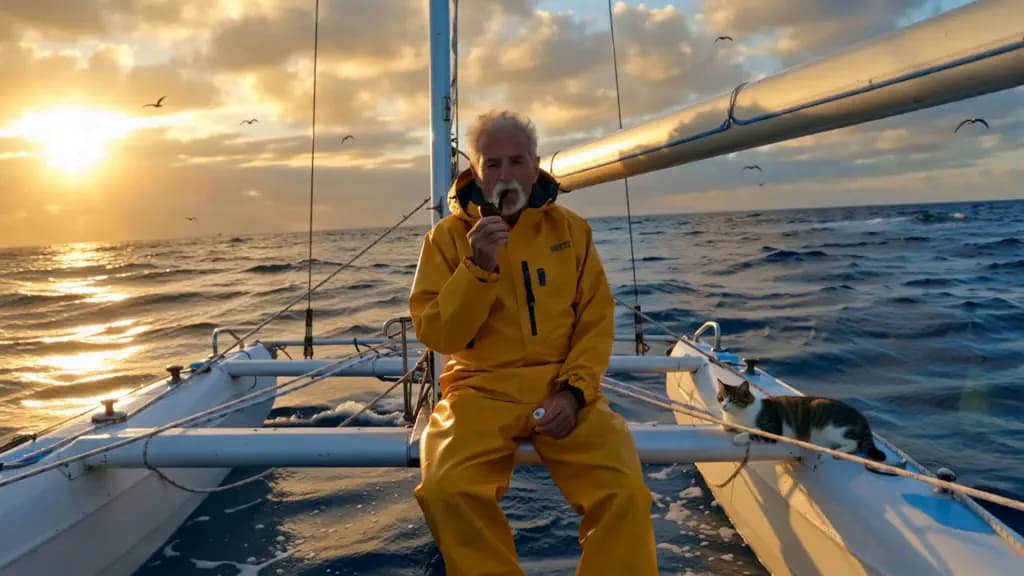
Elderly sailor in yellow raincoat on catamaran deck, puffing pipe, sleeping cat nearby, sunset, calm waves, seabirds.
Turn Any Photo into a Video
Transform photos into mesmerizing videos with Zeovid's image to video ai generator. Create cinematic motion and stunning effects in seconds — perfect for storytelling and social media.
Features of AI Image to Video Generator
Turn Image to Video
Zeovid is an image to video ai generator that turns a single image into a smooth, cinematic video in just a few steps. Whether you're exploring image to video ai free tools for product shots, portraits, or storytelling scenes, Zeovid delivers natural motion, better subject consistency, and polished, production-ready results.
First & Last Frame Control
Guide transitions with more precision by defining how a scene should open and how it should resolve. For creators comparing a free ai video generator from image tools, first and last frame control is what makes motion feel intentional, preserves subject direction, and helps camera movement land naturally instead of drifting.
Create Realistic Videos using Images with AI
If you are searching for image to video ai free unlimited options, the better benchmark is whether the result looks believable enough to publish. Zeovid focuses on realistic lighting, coherent motion, and natural scene continuity so your visuals can become polished AI videos for ads, social clips, and branded storytelling.
How to Create Videos from Images in 3 Simple Steps
Start creating professional videos in minutes. Our image to video AI generator is designed for simplicity — just follow these three steps to bring your vision to life
Upload Your Image
Simply upload the image you want to animate. Whether it's a product photo, portrait, or illustration, just drop it in to get started.
Describe Your Vision
Describe the motion, mood, or style you want. Our image to video ai generator interprets your prompt to guide the animation.
Generate & Share
Click generate and receive a polished video in seconds. Download, share, or reuse instantly — no limits with image to video ai unlimited options.
Frequently Asked Questions
Image to video AI uses advanced machine learning algorithms to analyze static images and generate realistic motion, transitions, and effects. Zeovid's technology understands visual elements like subjects, backgrounds, and lighting to create smooth, natural-looking videos from any photo.
Most videos are generated within 30-60 seconds, depending on complexity and current server load. Our optimized infrastructure ensures fast processing so you can iterate quickly on your creative ideas.
We support JPG, PNG, and WebP formats. For optimal results, use high-resolution images (at least 1024x1024 pixels) with clear subjects and good lighting. The AI performs best with sharp, well-composed photographs.
Absolutely. Videos generated through Zeovid are yours to use for personal and commercial projects, including social media content, advertisements, product marketing, and client work. Check our licensing terms for full details.
Yes! We offer flexible premium plans. If you need more usage, you can simply purchase additional credits to keep generating. This ensures you have the freedom to create as many videos as you want.
Zeovid combines state-of-the-art AI models with an intuitive interface designed for both beginners and professionals. Our platform delivers superior motion quality, faster generation times, and more accurate prompt interpretation compared to alternatives — all accessible through a clean, user-friendly experience.
Yes! Describe specific camera movements (zoom, pan, tilt) or effects (slow motion, time-lapse) in your prompt. Our image to video AI interprets these instructions to give you creative control over the final output.
The possibilities are endless: product demos, social media posts, animated art, educational content, music visualizers, real estate tours, fashion lookbooks, and more. Content creators, marketers, educators, and filmmakers all use Zeovid to bring their visions to life.
Not at all. Zeovid is designed for everyone — from complete beginners to seasoned professionals. Simply upload an image, write a prompt, and generate. No technical skills or expensive software required.