
Image to Image AI
Zeovid's image to image ai generator lets creators instantly transform photos into gallery-ready visuals. Upload, pick a style, and reshape color, texture, and mood with precision.
Transform Your Photos with Image to Image AI Generator
Watch a single source photo evolve into multiple looks. This image to image ai demo highlights how one image can be transformed into diverse styles while intelligently adjusting lighting and composition.
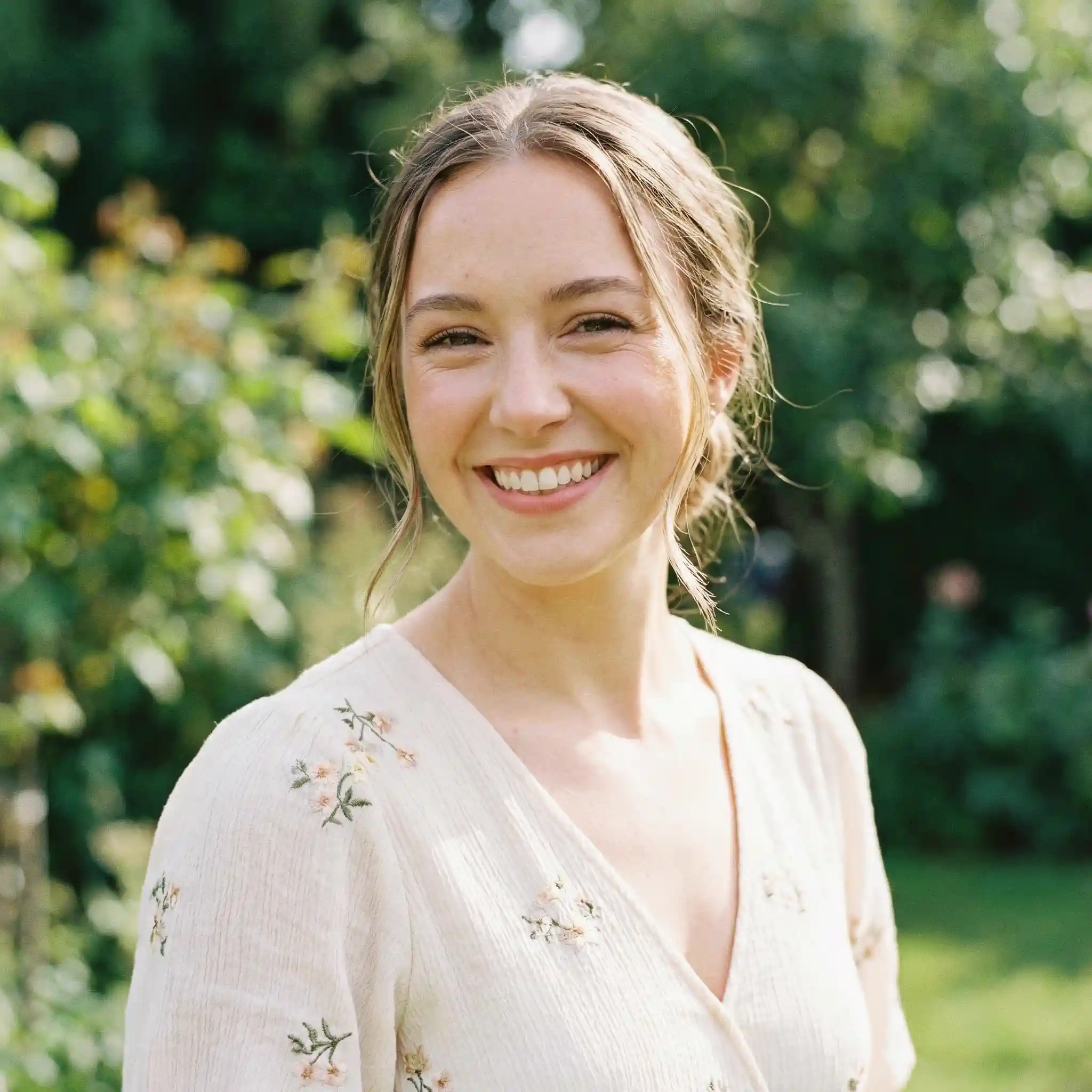
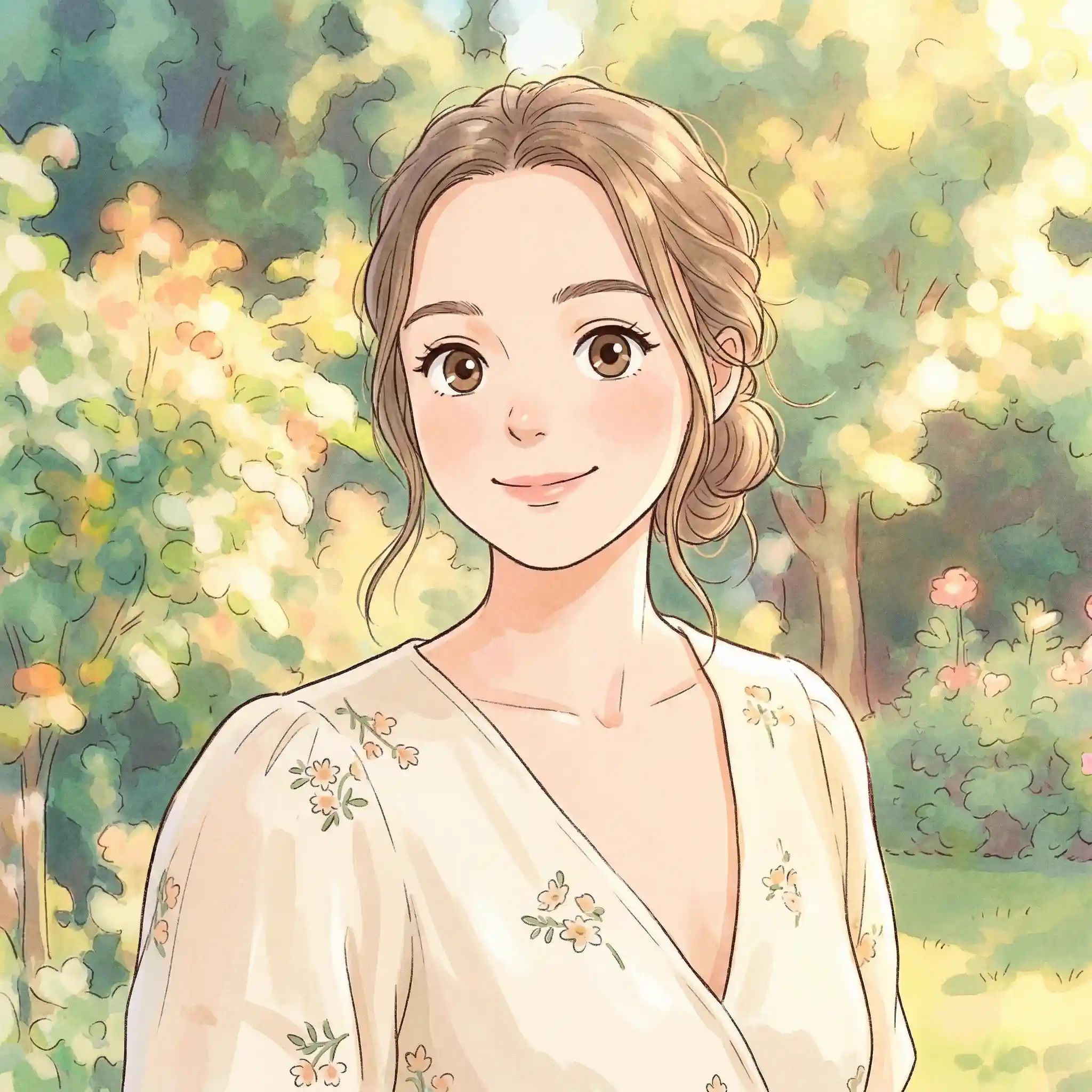
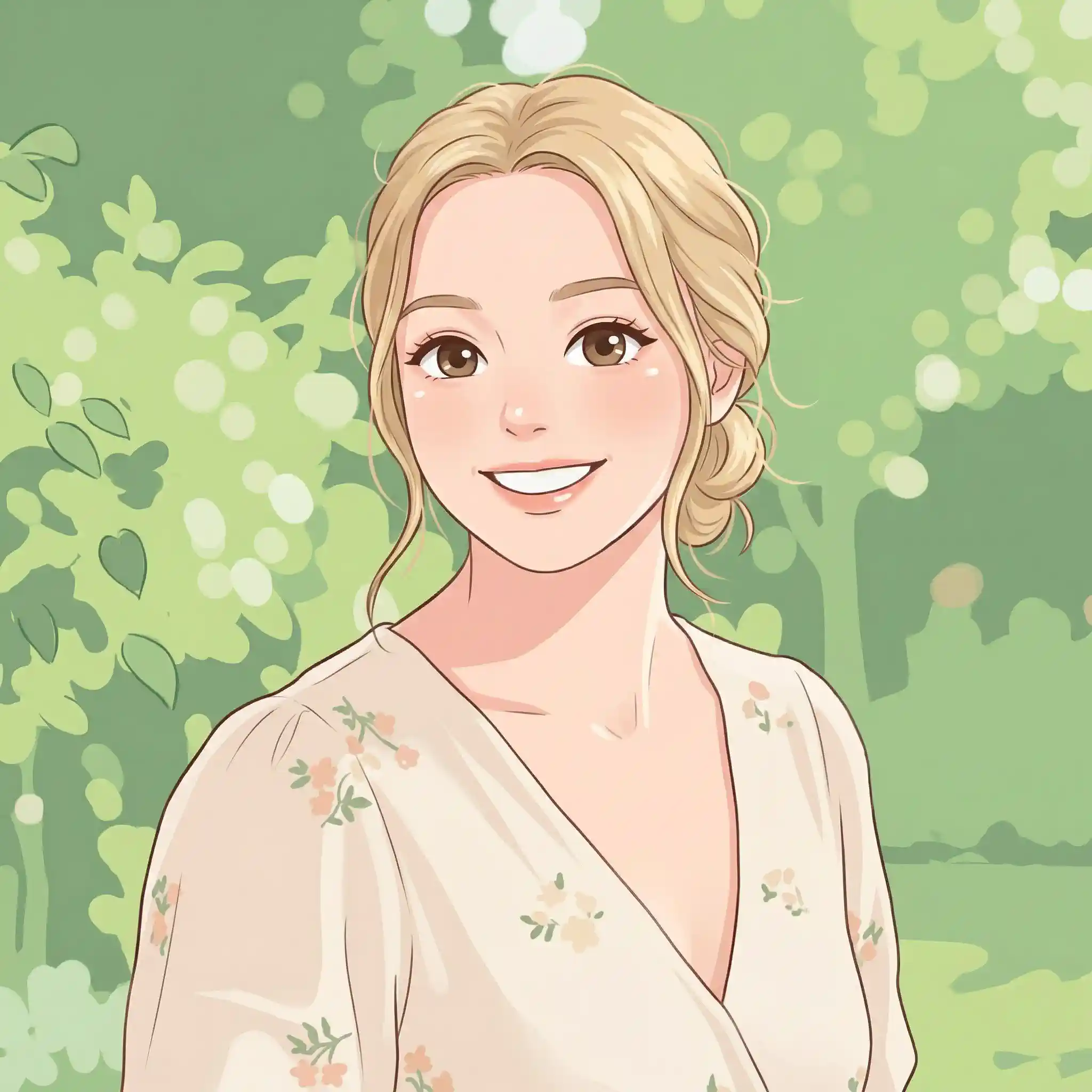
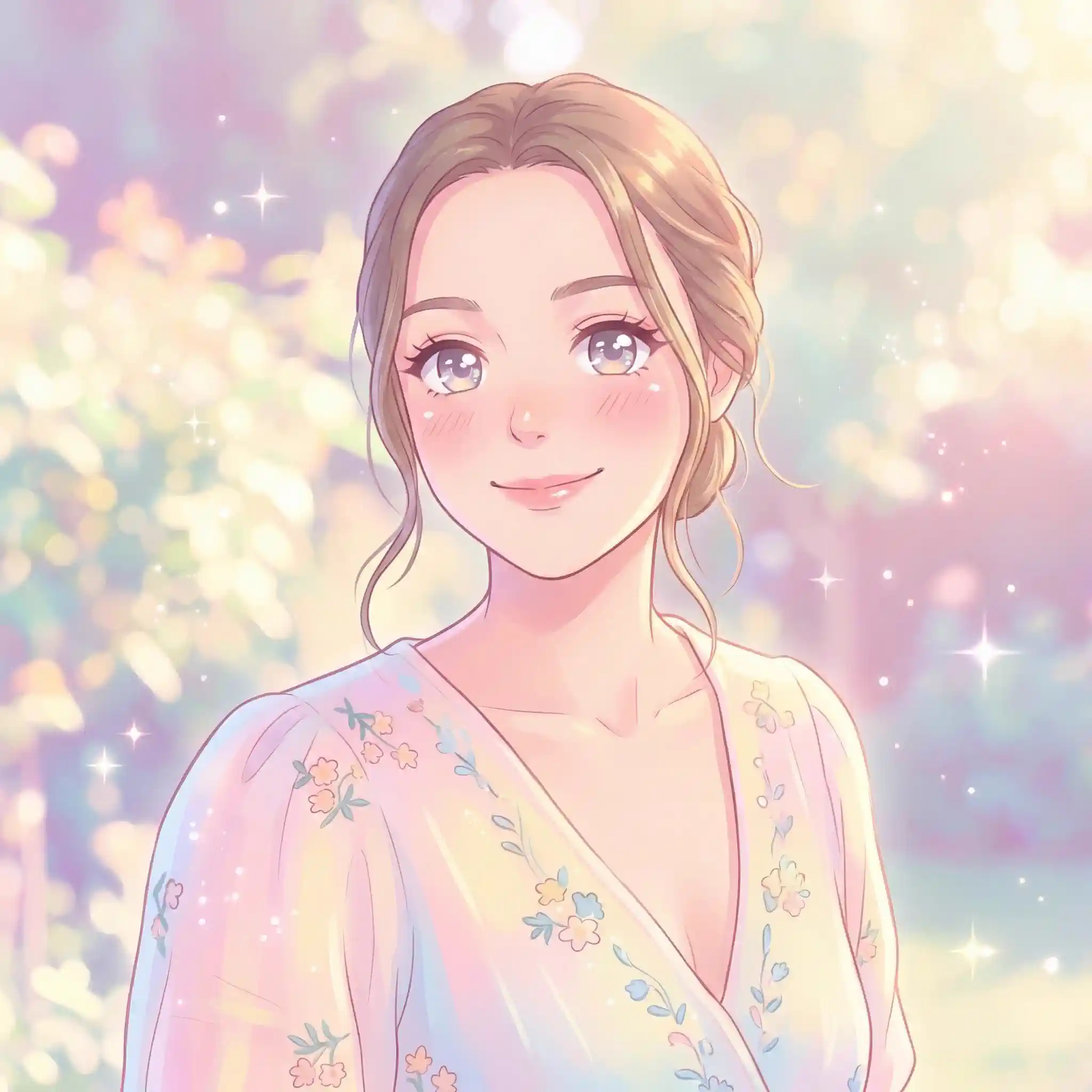
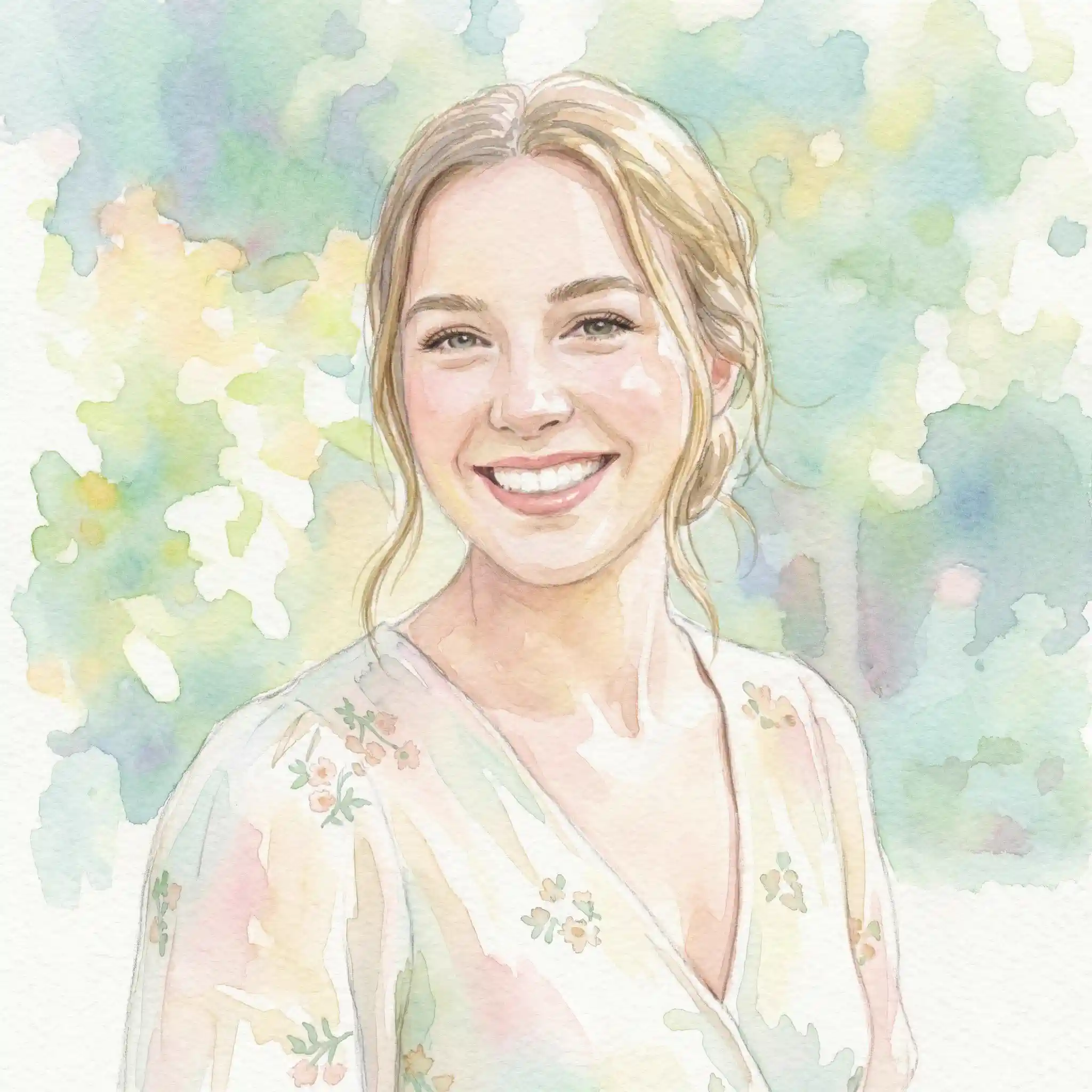
Explore Images Created with Image to Image AI
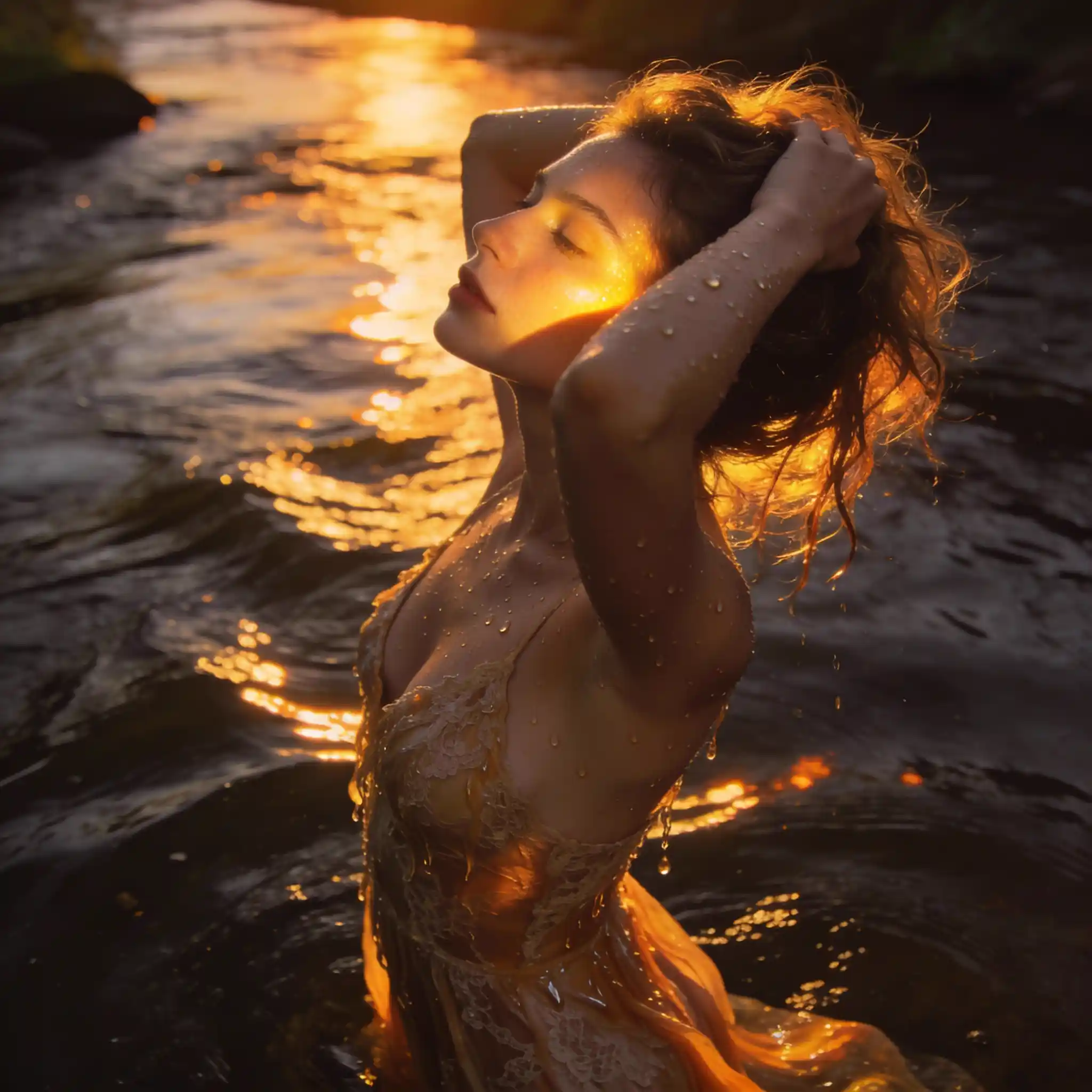
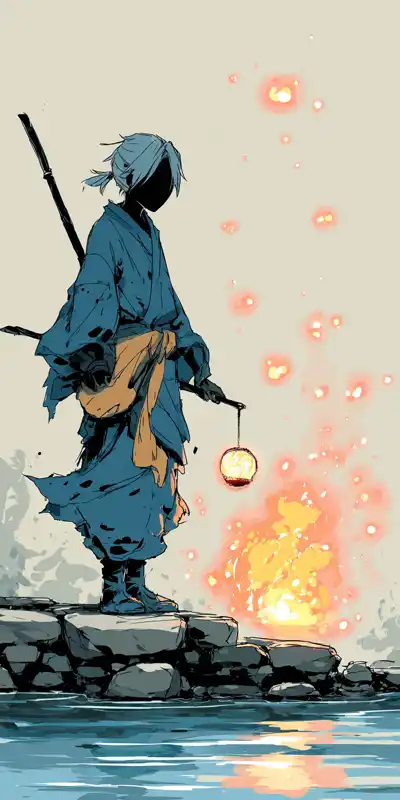
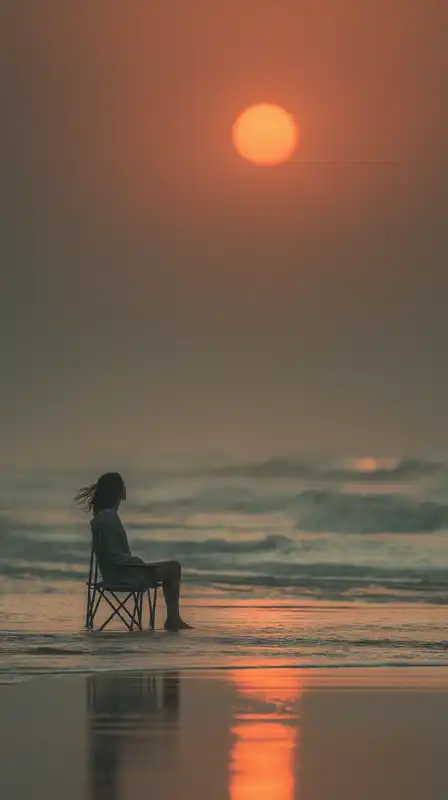
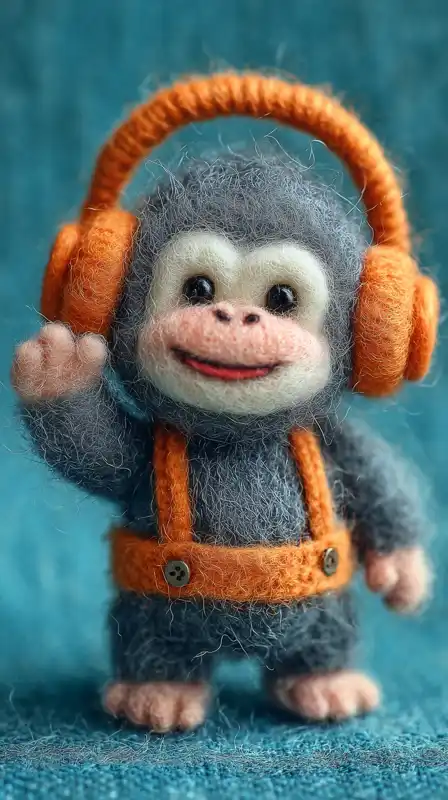
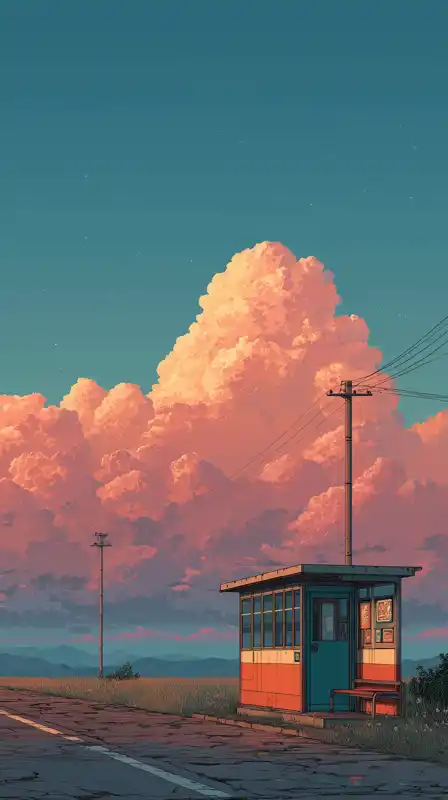
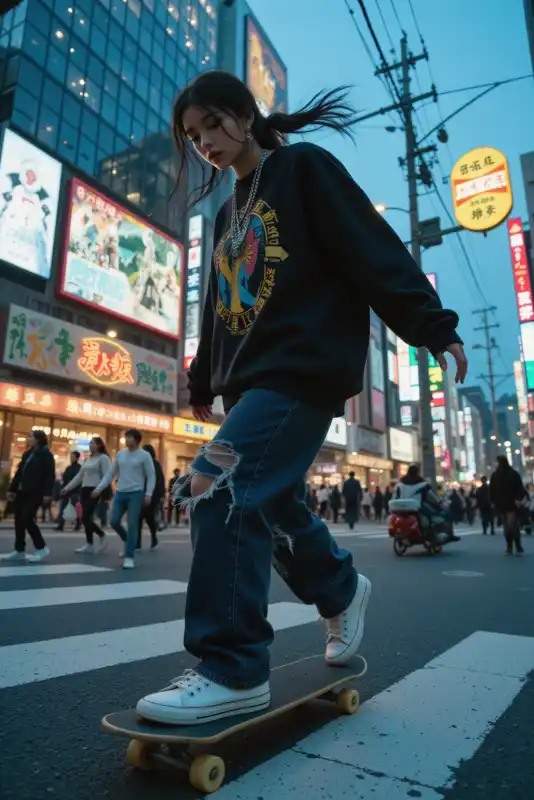
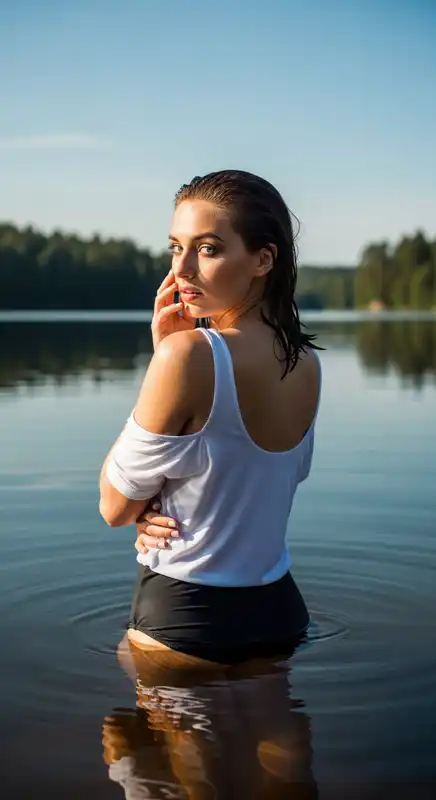
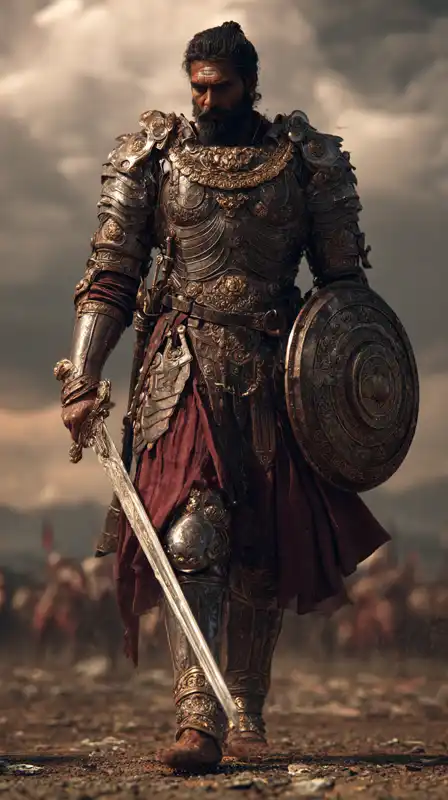
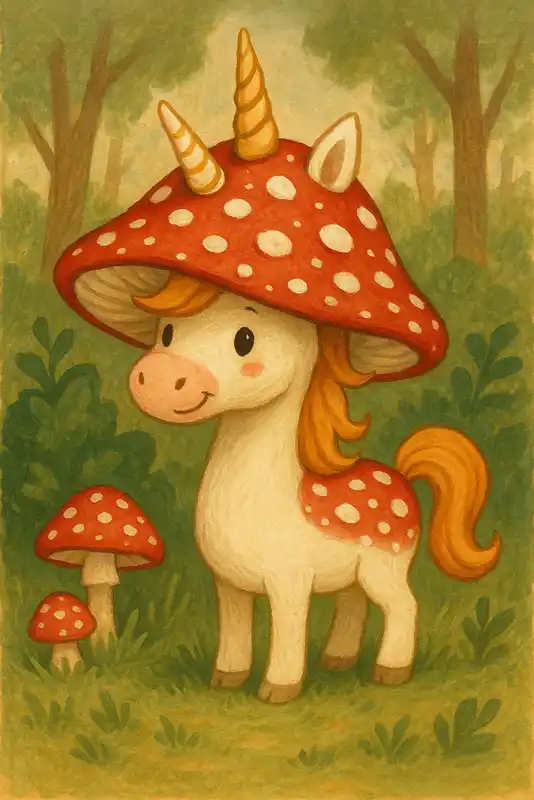
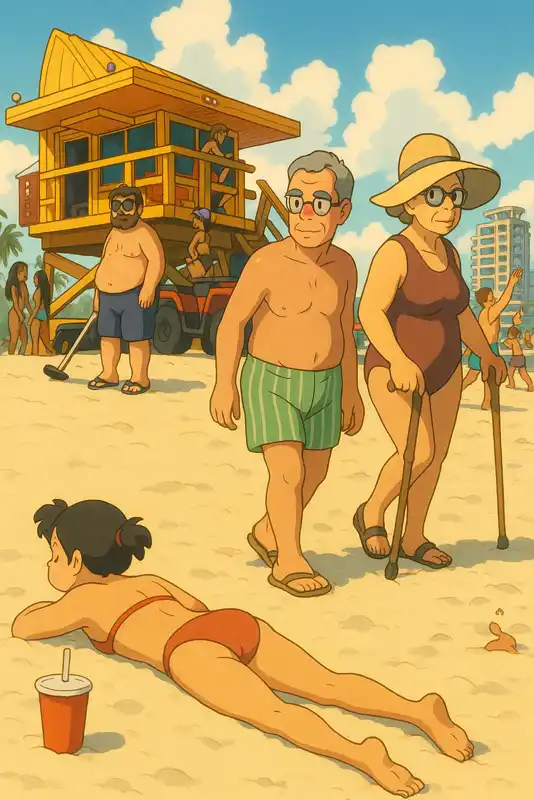
Explore outputs created with our image to image ai. Each tile showcases a distinct aesthetic — from painterly and cinematic looks to hyper-real and retro styles.
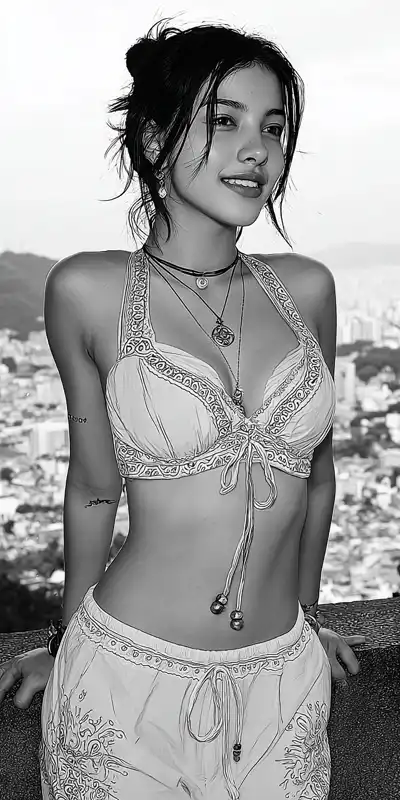
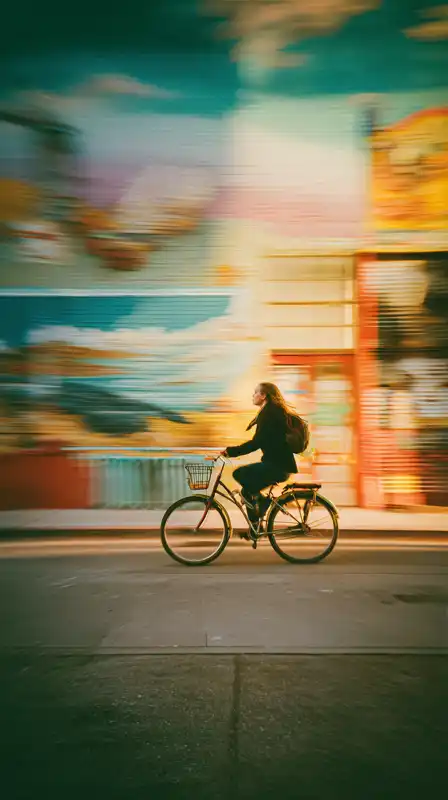
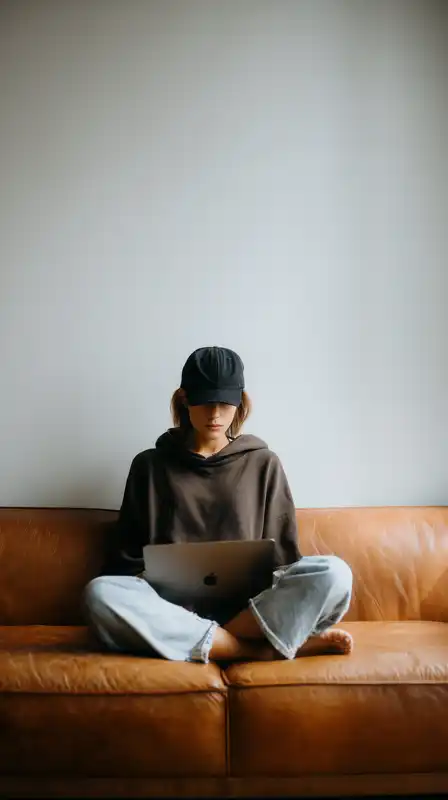
How to Use Our Image to Image AI in 3 Simple Steps
Transforming images with AI has never been easier. Follow these three straightforward steps to reimagine your photos with stunning artistic styles and creative effects.
Upload Your Image
Select and upload the image you want to transform. Our image to image AI free tool accepts various formats including PNG, JPG, and WebP. For optimal results, choose clear images with good lighting and composition. The AI analyzes your uploaded photo to understand its structure, colors, and key elements before applying transformations.
Describe Your Transformation
Describe what you want to change or the style you'd like to apply. Be specific about artistic direction, color palette, mood, and effects. The AI understands prompts like "anime style," "oil painting," or "fantasy art" — more detail leads to better results.
Generate & Download
Click generate and see how our image to image AI generator transforms your photo in seconds. Compare multiple variations, pick your favorite, and download high-resolution results. Refine with new prompts to explore more creative possibilities — no watermarks, full commercial rights included.
Frequently Asked Questions
Image to image AI is an advanced artificial intelligence technology that transforms existing images into new visual styles while preserving key structural elements. Unlike text-to-image generation, our system takes your uploaded photo as input and applies sophisticated neural network processing to reimagine it in different artistic styles, enhance quality, or create unique variations. The AI analyzes composition, colors, and subjects to produce coherent and visually stunning transformations.
Yes! Zeovid offers an image to image AI free tier that lets you explore transformation capabilities without any upfront payment. Free users can upload images and experiment with various styles to experience AI-powered visual transformation firsthand. Premium plans unlock higher resolutions, advanced styles, faster processing, and commercial usage rights for professional projects.
Our image to image AI generator supports an incredible range of transformations. Convert photos to anime, apply oil painting or watercolor effects, create sketch versions, add vintage or futuristic aesthetics, perform style transfers from famous artworks, enhance image quality, change seasons in landscapes, age or de-age portraits, and much more. The possibilities expand regularly as we add new AI models and transformation styles.
Our platform accepts common formats including PNG, JPEG, and WebP. For best results, upload images between 512x512 and 2048x2048 pixels. The image to image AI automatically optimizes your upload for processing while maintaining quality. Output images are available in multiple resolutions, with premium users accessing higher-quality exports suitable for print and professional use.
Most transformations complete in 10-30 seconds, depending on complexity and selected style. Our optimized infrastructure ensures consistently fast processing even during peak usage. You can track progress in real-time and start new transformations while previous ones process. Batch processing features help streamline workflows when working with multiple images.
Free tier transformations are licensed for personal and experimental use. For commercial applications — including marketing materials, client projects, merchandise, or published content — we recommend upgrading to a professional plan. Premium subscriptions include full commercial rights, ensuring you can confidently use your transformed images across all business applications.
Absolutely. Our image to image AI is designed to understand and maintain crucial structural elements like faces, objects, and composition while applying style transformations. You control the transformation intensity, allowing subtle enhancements that stay faithful to the original or dramatic reimaginations that push creative boundaries. Advanced settings let you specify which elements to preserve and which to transform.
Not at all! The image to image AI generator is built for everyone — from complete beginners to professional designers. Our intuitive interface guides you through uploading, style selection, and generation. No software installation, no complex settings to master. If you can upload a photo and click a button, you can create stunning AI transformations.
We prioritize your privacy and data security. Uploaded images and generated transformations remain private by default. We employ industry-standard encryption for all transfers and storage. Your content is never shared publicly or used to train our models without explicit consent. Premium users enjoy additional privacy controls and the option for automatic content deletion.
Each transformation creates a new image without altering your original upload. You can freely experiment with different styles, regenerate with adjusted parameters, or try entirely new approaches. Save your favorites to your personal gallery and download multiple versions. The non-destructive workflow ensures your source images remain intact throughout the creative process.